 GenAp group chat
 United Ukraine
 Get your capital one card today
 WebHosting best
 Adsline Classifier
 Autodeal
 Android App
 Apple App
How to Set Privacy Controls and Stay Connected
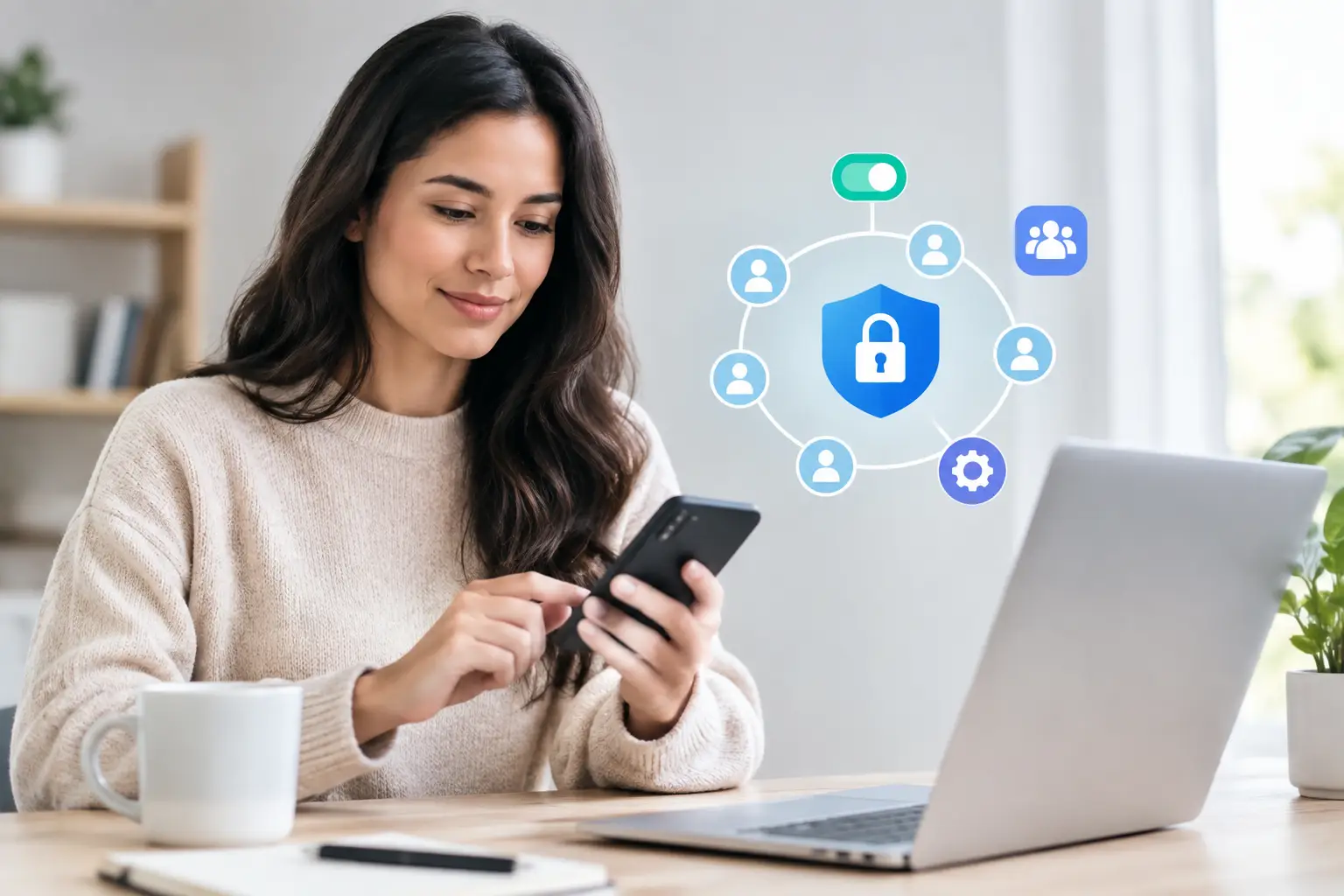
A great social space lets you share a little more of yourself without sharing everything. Learning how to set privacy controls gives you more choice over who sees your profile, joins your conversations, finds your listings, and contacts you. The goal is not to disappear from your community. It is to make your online experience feel comfortable, useful, and truly yours.
Privacy settings can seem like a lot at first, especially when you use one place for posts, chats, groups, events, and marketplace activity. Start with the settings that affect your everyday visibility, then adjust the details as you go. A few thoughtful choices can help you connect, share, and discover with more confidence.
Start With Your Privacy Comfort Level
Before opening any settings menu, think about the kind of experience you want. There is no single “right” privacy setup. Someone using a platform to meet neighbors, promote a local event, or sell furniture may want to be easier to find. Someone sharing family updates or personal thoughts may prefer a smaller audience.
Ask yourself three simple questions: Who do I want to find me? Who do I want to see my activity? Who do I want to be able to contact me?
Your answers may be different for different parts of your account. For example, you might welcome messages from members of a local gardening group but keep your personal posts visible only to friends. You may also want a marketplace listing to be public while limiting the personal details shown on your profile.
How to Set Privacy Controls for Your Profile
Your profile is often the first thing people see when they find you. Review it as if you were a new visitor. Check your profile photo, name, bio, location, interests, friend list, and any contact details you have chosen to add.
Most social platforms offer audience choices such as Public, Friends, Only Me, or a custom audience. Public can help people with shared interests discover you, but it also makes information available to a much wider audience. Friends-only settings create a more familiar space, while custom controls can be useful if you want to share with specific people or exclude certain contacts.
Be especially careful with details that can identify where you live, work, or spend time. Sharing your city or general area can be helpful for local events and community conversations. Sharing your full address, daily routine, phone number, or personal email is usually unnecessary. If you are selling an item, keep early conversations inside the platform and share pickup details only when you are comfortable with the buyer.
It also helps to check whether search engines or non-members can view your profile. If you want Friendys to be a place where new people can discover your interests and community activity, broader visibility may suit you. If you prefer a quieter experience, limit profile discovery to registered members or friends when that option is available.
Choose an Audience Before You Post
A post can travel farther than you expect. A funny update meant for friends may not be right for coworkers, neighbors, or every person who visits your profile. Before you publish, look for the audience selector and choose who should be able to view that specific post.
Use public posts for content you genuinely want to share widely, such as an open community event, a local recommendation, a creative project, or a helpful discussion question. Use friends-only posts for personal updates, photos, and conversations that make more sense among people you know. For sensitive topics, a smaller custom audience may be the best fit.
Remember that privacy controls reduce visibility, but they cannot prevent every form of sharing. A person who can see a post may still take a screenshot, repeat what you said, or save an image. That does not mean you should avoid posting. It means it is wise to pause before publishing anything you would not want copied outside its original context.
Review Old Posts Too
Privacy is not only about what you share next. Older posts, comments, photos, and check-ins may still be visible under settings you chose months or years ago. Take time to scroll through your activity and adjust anything that no longer feels right.
Some platforms let you change the audience for several past posts at once. This can be useful after a life change, such as starting a new job, moving to a new town, or deciding to keep family content more private. For individual posts, you can often edit the audience, archive the post, or remove it entirely.
Manage Tags, Mentions, and Photos
Tags help friends include you in conversations and photos, but they can also connect your name to content you did not create. Check whether you can control who is allowed to tag or mention you, and whether tagged posts appear automatically on your profile.
If a review option is available, turn it on. This gives you a chance to approve tags before they appear on your profile or timeline. It is a small step that can prevent awkward surprises, especially in busy groups or at large events where many photos are being shared.
You can also remove a tag from content you do not want associated with your profile. Removing a tag does not always remove the original post, so consider asking the person who posted it to delete or edit it if the content is personal, inaccurate, or unsafe.
Keep Chats Friendly and Manageable
Messaging is one of the best ways to build real connections, coordinate plans, and continue a great group conversation. It can also become overwhelming if anyone can message you at any time.
Look for message privacy settings that let you decide who can send you direct messages, who can add you to group chats, and where requests from people you do not know appear. A request folder is often useful because it lets you review new messages without giving strangers immediate access to your main inbox.
Use blocking and reporting tools when someone crosses a line. Blocking is appropriate when a person repeatedly contacts you after you have said no, sends unwanted content, or makes you feel unsafe. Reporting helps the community team review behavior that may violate platform rules, including harassment, impersonation, scams, or threats.
You do not owe every message a response. A simple boundary, such as “I’m not interested, thank you,” is enough when you want to reply. If a conversation feels wrong, stop engaging and use the tools available to you.
Check Group, Forum, and Event Visibility
Groups and forums bring people together around shared interests, local news, hobbies, and causes. Their privacy levels can vary. An open group may allow anyone to see its posts and member list, while a private group may limit both visibility and membership. Some groups are visible in search but require approval to join.
Before joining, read the group description and look at its privacy label. Consider whether you are comfortable having your membership visible to others. This matters more for personal interests, support conversations, or local groups where you may know people offline.
When you post in a group, remember that its audience is set by the group’s privacy level, not necessarily by your usual post preference. A friends-only profile does not automatically make a post private if you publish it in an open community space.
For events, decide whether you want your RSVP or attendance to be visible. Public event participation can be a great way to meet people who share your interests. If the event involves a sensitive topic or you simply value discretion, choose a more limited setting if one is offered.
Protect Yourself in the Marketplace
Marketplace privacy is partly about settings and partly about good habits. Your listing should give buyers enough information to understand the item, but it does not need to include your home address, personal phone number, or schedule.
Use clear photos that do not reveal documents, license plates, house numbers, or other identifying details in the background. Keep negotiations in platform messages when possible, and be cautious of buyers who pressure you to move the conversation elsewhere right away.
If you meet locally, choose a public, well-lit location when practical. Tell someone you trust where you are going, especially for higher-value items. For items that must be picked up from home, arrange the exchange carefully and avoid sharing more information than the transaction requires.
Be alert for common warning signs: requests for payment before a buyer has seen the item, unusual shipping arrangements, overpayment offers, or messages that create urgency. A real buyer can usually answer straightforward questions about the item and work with reasonable boundaries.
Make Privacy Checkups a Regular Habit
Settings change. Platforms add features, groups change their visibility, and your own comfort level can shift over time. A quick privacy check every few months is a practical habit, not a one-time chore.
Review your profile visibility, post defaults, friend or follower settings, tag approvals, message permissions, connected apps, location sharing, and marketplace details. If a setting is confusing, choose the more private option first. You can always open it later if you decide broader visibility will help you reach the right people.
Privacy controls work best when they support the way you want to participate. Set clear boundaries, share what feels good, and leave room for the conversations, communities, and local discoveries that make an online space worth joining.
 Spanish
 English
 French
 Portuguese
 Deutsch
 Turkish
 Dutch
Dutch
 Italiano
 Russian
 Romaian
 Portuguese (Brazil)
 Greek
Greek
 Ukrainian